
Product Updates
Weekly updates to Fulcrum, always included with your subscription.
Thank you! Your submission has been received!
Oops! Something went wrong while submitting the form.

Customers who need their own certificate format no longer have to fill it out by hand. Quality → Templates lets you upload the customer's PDF, Word or Excel form, and Fulcrum tags the fields it recognizes. Check the matches, choose which customers the template applies to and mark it Active. Then generate the certificate from the Certifications menu on any job for that customer.
Certificates of Compliance created from a sales order's Certifications panel can now be signed, like those created on the Job page. A Sign switch, on by default, prints your name and the date on the PDF instead of a blank line you would have to sign by hand.

A new packing slip setting allows you to print the job name under each line for every job that builds it, so you no longer need to type job numbers into the shipment notes. It is off by default. To turn it on, go to Business Setup → General → PDFs & Email and, in the Packing Slip configuration, switch on "Show Job Names on PDF".

On a job's detail page, each Machine row in an operation's activity list now shows the initials of the person who started that run, matching the job log. Before, every row showed whoever first started the Machine timer.
The Type dropdown on the Job Tracking board has a new Late option. It shows only the operations whose cards carry the Late badge, so operators can go straight to the work that is behind.
Operation numbers now show before the operation name in two places: the status pill at the top left of a Job Tracking operation, where you start and stop your clock, and each row of the operations list on a job's detail page. It is easier to tell similar operations apart at a glance.

A 30-line order with 29 lines billed used to count its full value in the In Progress tile until it was marked Complete. A new setting under System Data → Sales lets you calculate the tile totals by what has been invoiced instead of by order status, so In Progress shows what is left to bill. Value moves once an invoice is issued; deposits and progress billing don't count, and the charts still show full order values. Order status stays the default.
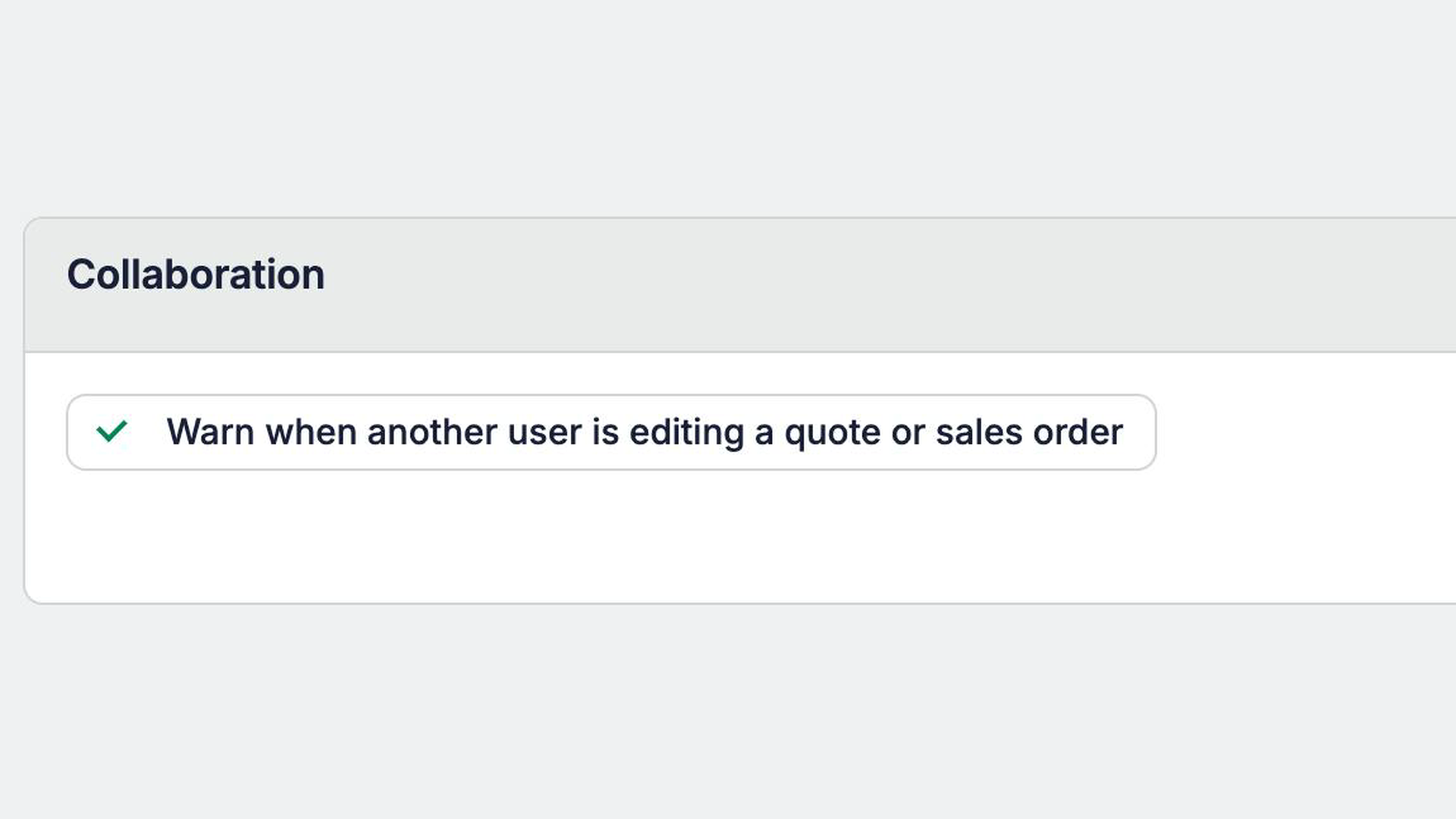
Quotes and Sales Orders autosave, so two people working in the same record can overwrite each other's changes without noticing. Starting today, you can turn on an alert that tells you when someone else has the record open or is changing it.
How it works: The alert has three states:
Turning it on: The setting is off by default. To turn it on, go to System Data → Sales → Collaboration.
 Share ->

System Data → Public API now hides short-lived tokens Fulcrum creates on a user's behalf, so your own keys aren't buried. Flip Show short-lived tokens to see them.

Pages built with Builder can now replace an item routing's input materials in one step, so a page can correct or re-run a bill of materials import instead of only adding to it.
Choosing a smaller plan no longer forces you to delete apps. Extra apps are deactivated, their data is kept, and they stop counting toward the plan limit.
Anyone with Manage Custom Pages used to see the latest draft when opening a published app. Now everyone sees the published version, and draft edits stay in the editor.
Builder can now see which fields the API lets a page update, and sends preview errors back to the chat on its own, so it stops saying a field can't be changed when it can.
Custom pages built with Builder can now link straight to shipment, customer and vendor records, so you can make shipment numbers on a delivery page clickable.

Ask about overbooked machines and Archie can now read each machine's real shift hours and see load by start date, so its answers stay consistent.


