
Product Updates
Weekly updates to Fulcrum, always included with your subscription.
Thank you! Your submission has been received!
Oops! Something went wrong while submitting the form.

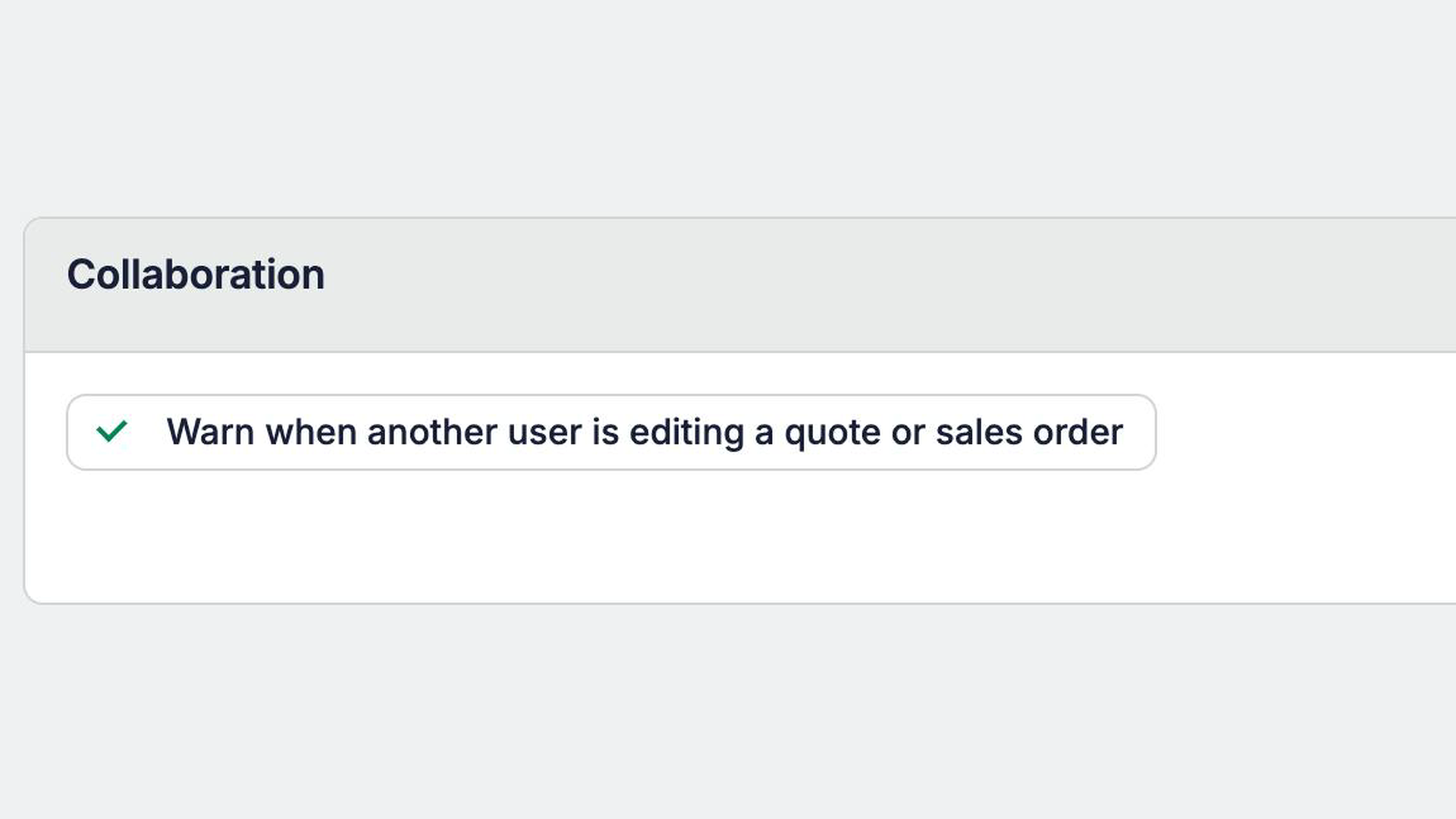
Quotes and Sales Orders autosave, so two people working in the same record can overwrite each other's changes without noticing. Starting today, you can turn on an alert that tells you when someone else has the record open or is changing it.
How it works: The alert has three states:
Turning it on: The setting is off by default. To turn it on, go to System Data → Sales → Collaboration.
 Share ->
System Data → Public API now hides short-lived tokens Fulcrum creates on a user's behalf, so your own keys aren't buried. Flip Show short-lived tokens to see them.

Pages built with Builder can now replace an item routing's input materials in one step, so a page can correct or re-run a bill of materials import instead of only adding to it.
Choosing a smaller plan no longer forces you to delete apps. Extra apps are deactivated, their data is kept, and they stop counting toward the plan limit.
Anyone with Manage Custom Pages used to see the latest draft when opening a published app. Now everyone sees the published version, and draft edits stay in the editor.
Builder can now see which fields the API lets a page update, and sends preview errors back to the chat on its own, so it stops saying a field can't be changed when it can.
Custom pages built with Builder can now link straight to shipment, customer and vendor records, so you can make shipment numbers on a delivery page clickable.

Ask about overbooked machines and Archie can now read each machine's real shift hours and see load by start date, so its answers stay consistent.
Archie used to lose a PDF or image after a message or two and ask for it again. It can now reopen anything you uploaded earlier in the conversation.
Upload .md and .html files to Archie chat or Builder and they can read them.


Ask Archie what an item costs at a quantity. It returns total and per-unit cost, cost by category, whether a minimum production quantity raised the run, and the labor, machine and setup hours behind it. This also works through the Model Context Protocol (MCP).
The built-in viewer now opens compressed STEP files (.stpz), Solid Edge assemblies (.asm) and CATIA V5 parts (.CATPart), so more files open without leaving Fulcrum.

Operation defaults can now hold the same checkpoint settings as routing checkpoints, including how often a checkpoint happens and whether completion is allowed out of tolerance. The Operations IPT (in-process tracking) Defaults import and export carry the new fields, and new rows keep their stage.
Don't see this yet? Reach out to our support team or your account manager and we'll turn it on for your shop.
Prioritize nests by due date. Nest Planning has a new sortable Earliest Due column showing the soonest due date in each material and operation group.


