
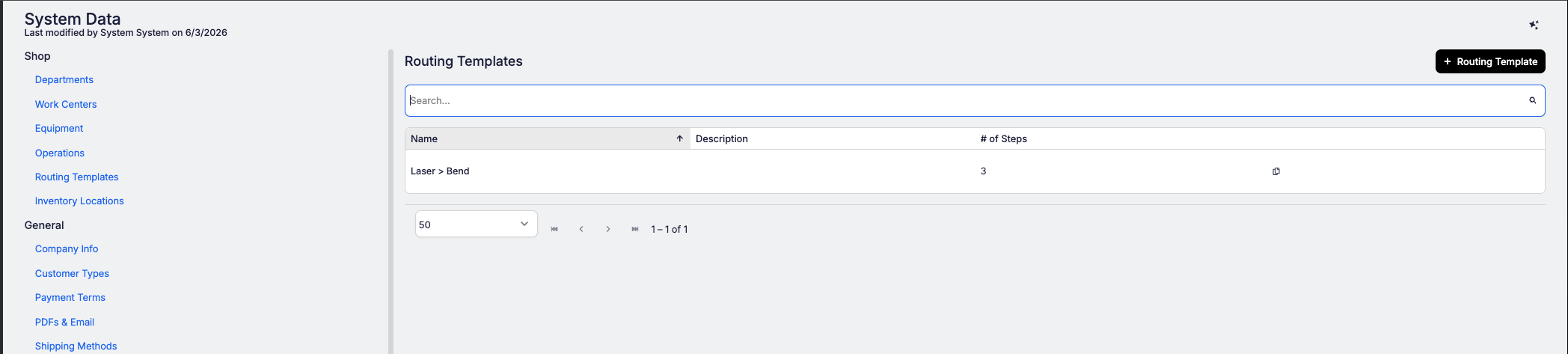
If your shop runs the same operation sequences repeatedly (laser cut, deburr, bend, weld, paint), retyping that routing for every new part slows down your quoting process. Routing Templates solve that.
Build your standard sequences once in System Data > Shop Setup > Routing Templates: a named, ordered list of operations for each workflow you run most (like "Steel - laser cut"). From then on, when you're quoting or building a part, your templates appear at the top of the operation list in the routing editor. Pick one and all its operations drop straight into the part's routing in order, with all the usual defaults already filled in: setup time, labor, machine times, equipment, and instructions.
From there it's a standard routing you can tweak however you need.


