
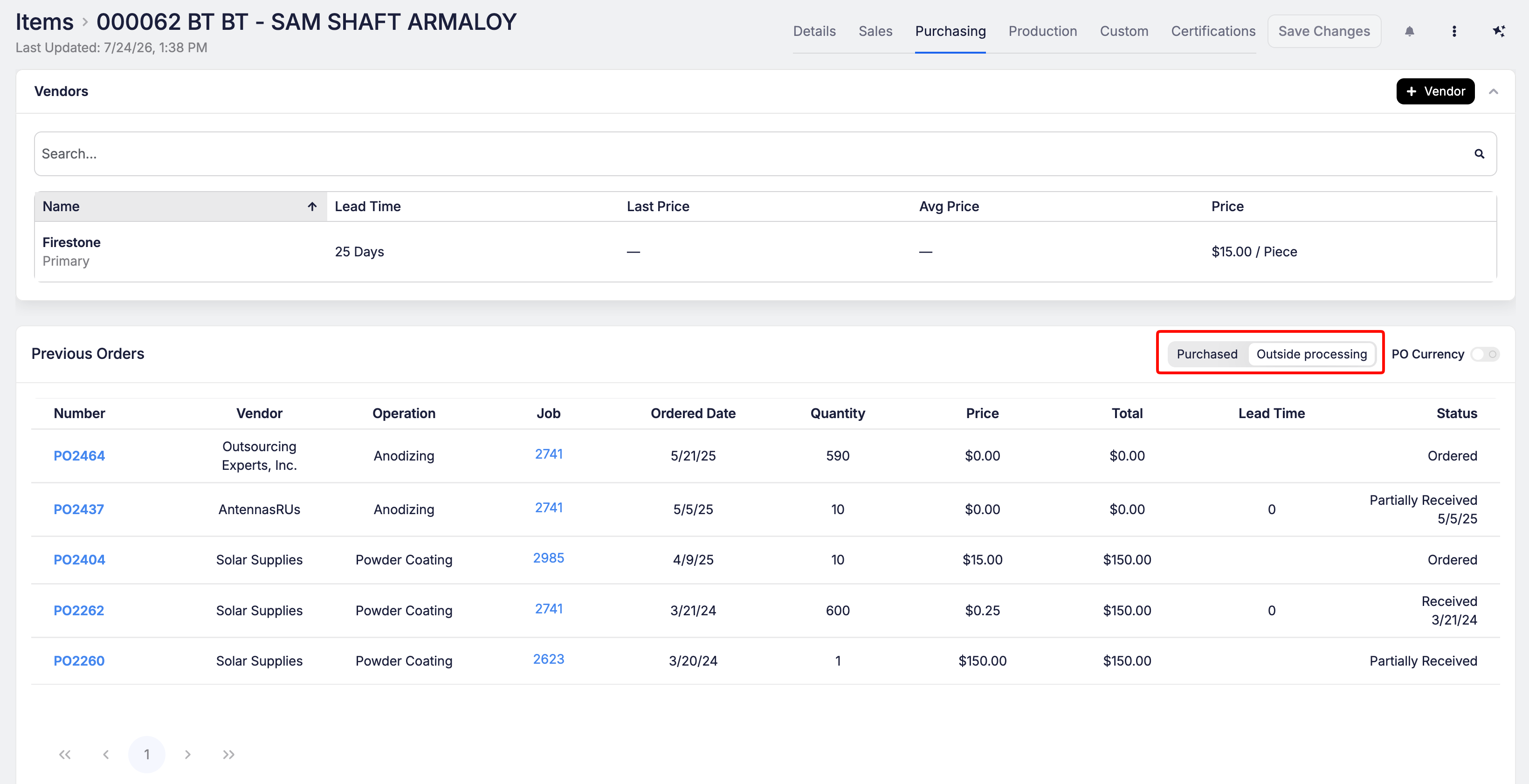
Want to know what a vendor charged last time you sent a part out for plating, heat treat, or another outside process? Open the item and go to Purchasing → Previous Orders. If the item's routing has an outside processing step, you'll now see an Outside processing list of every purchase order (PO) that sent the part out, with the vendor, operation, job, date, quantity, price and status.


