
August 6, 2026

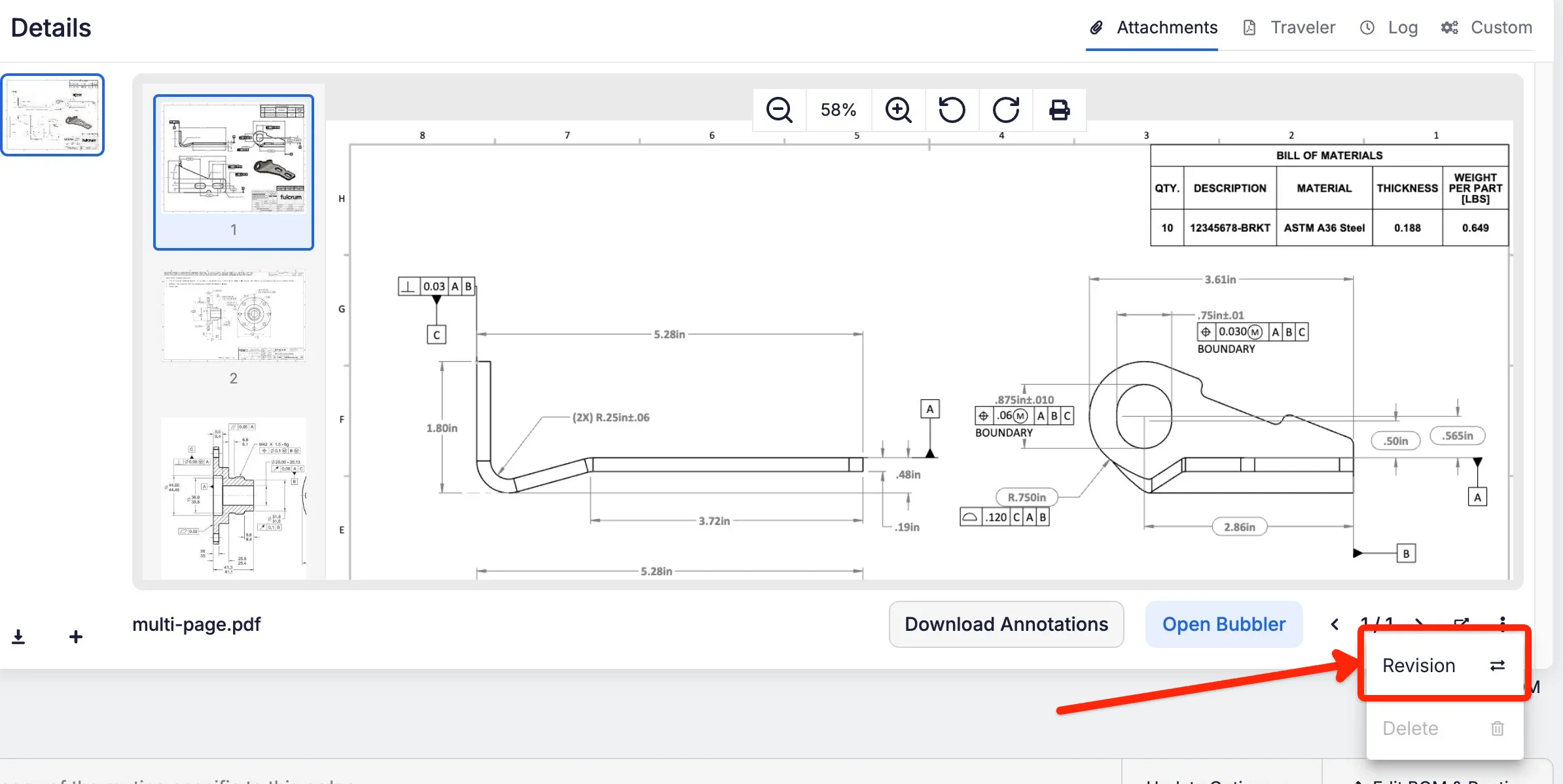
Say you roll a job from Rev B to Rev C. The Rev B drawing on the job is now out of spec and has to go, but you couldn't delete it because it had annotations and bubbles attached to it.
There's now a Revision button on the attachment menu. Upload the replacement PDF and Fulcrum copies the annotations, operator responses, and in-process tracking to the new drawing, retires the old one, and makes the new one primary. It's available on jobs and on items.


