
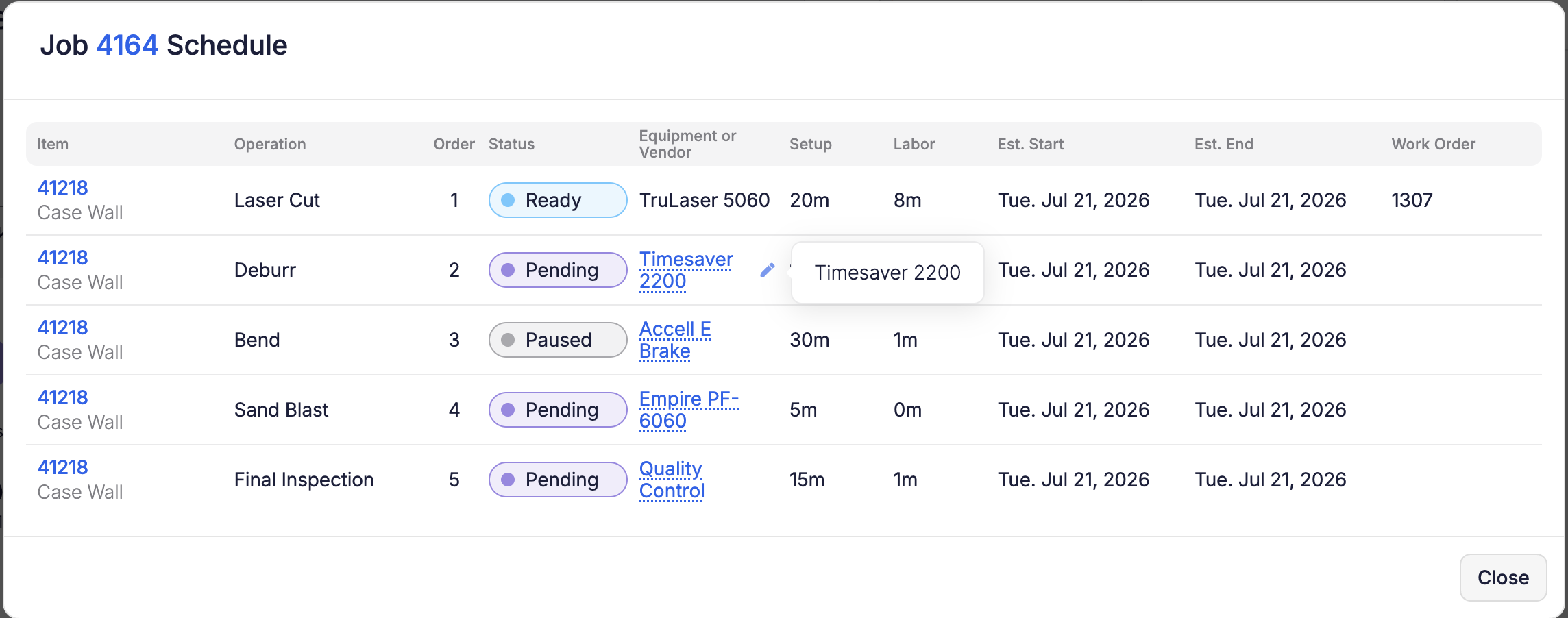
You can now reassign equipment right from the Schedule—no need to navigate to the job page. Click a job number to open the Job Schedule modal and change the equipment on any operation row, or use the pencil on Edit Job. The equipment picker only offers equipment capable of running that operation (same rules as the job page), and the operation automatically re-places itself on your next reschedule. Reassigning equipment requires Edit Job permission.


