
July 31, 2026

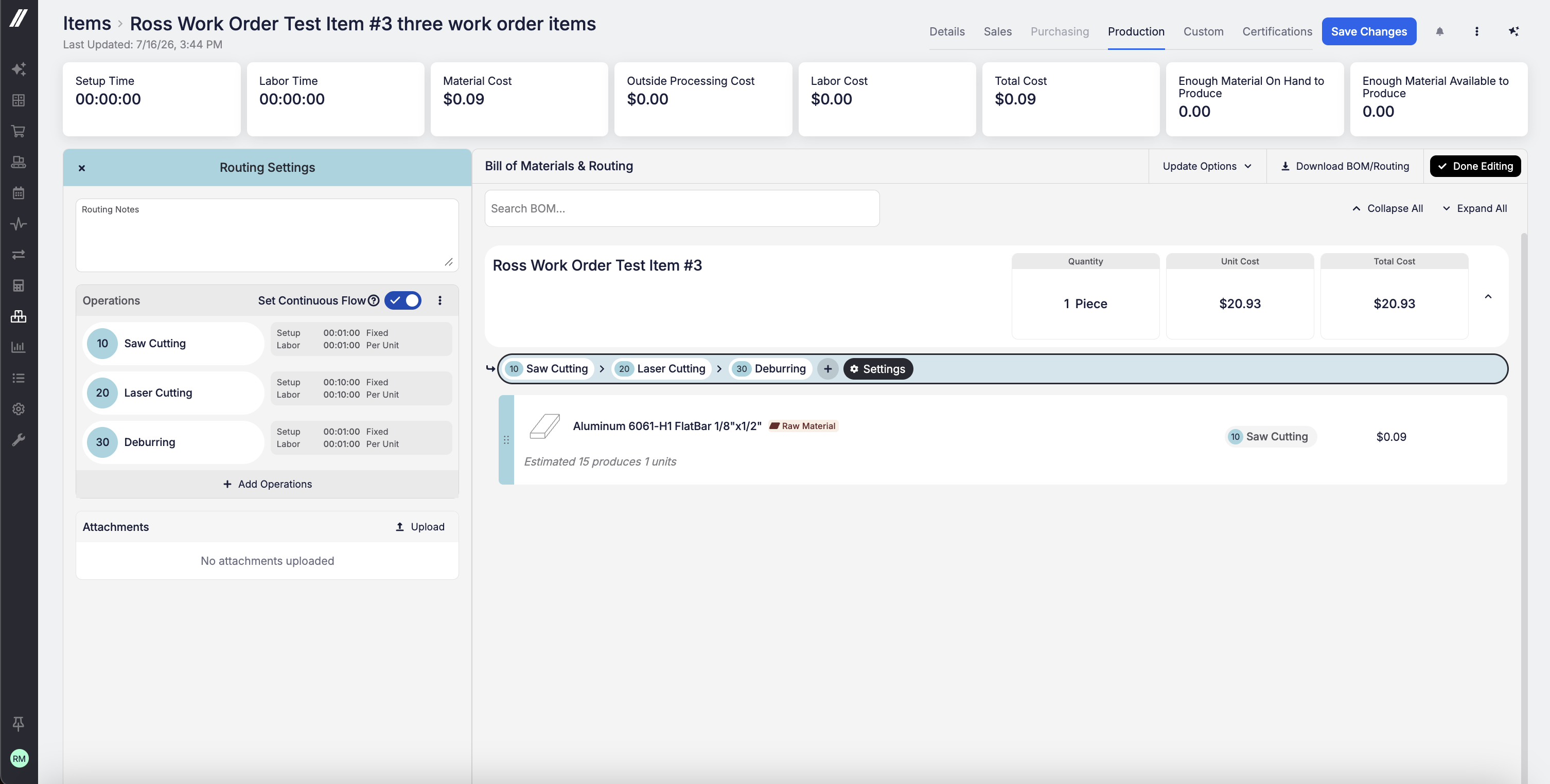
You can now set routing operations to auto-number by 1 (1, 2, 3…) or by 10 (10, 20, 30…) under Admin > Items & Inventory. Numbering by 10 leaves room to insert a new operation, say at 15, without renumbering everything that follows. That's especially valuable for AS9100 shops, where operation numbers get referenced on tooling sheets, inspection drawings, and work instructions and need to remain stable across revisions. The default remains by-1 numbering.


