Expand / collapse all windows. Operators often just want to see the drawing. New eyeball button collapses all panels — bottom-left on desktop, top-right on iPad / mobile.
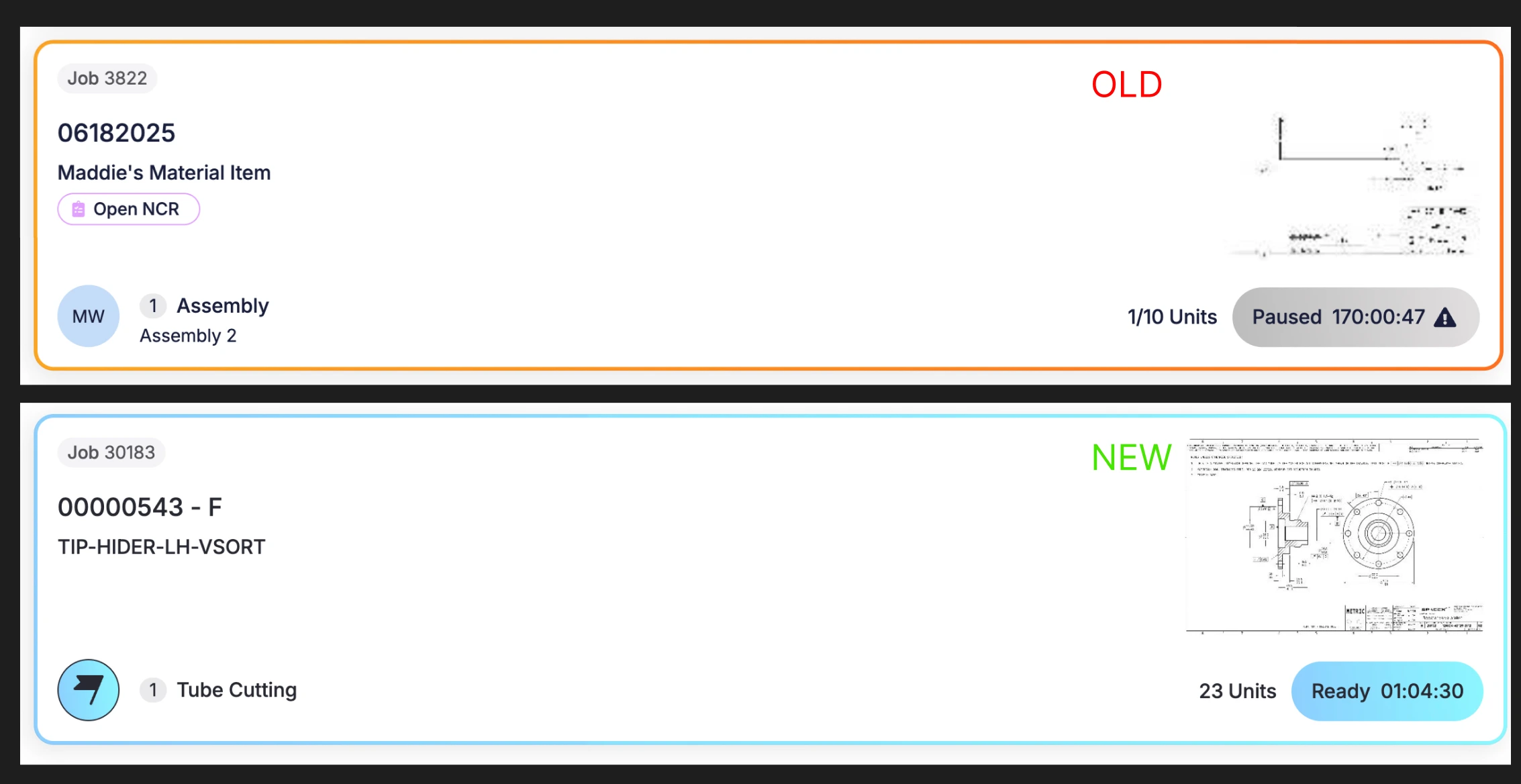
Larger thumbnail sizes on operation cards — no more pixelated images.
Smarter default image hierarchy. Starring an image on the JT now drives the operation page background. Switching to a quality tab swaps in the associated PDF. WO attachments load over job-level attachments. Star indicator now shows when the job is also scheduled.
"Picked" column on Work Orders updates after auto-pick. Previously the picked quantities on the work order didn't refresh when auto-pick ran during job and operation completion. Now they update right away.
Add button in the picklist works again. Clicking Add right after using the search bar wasn't registering — fixed.