
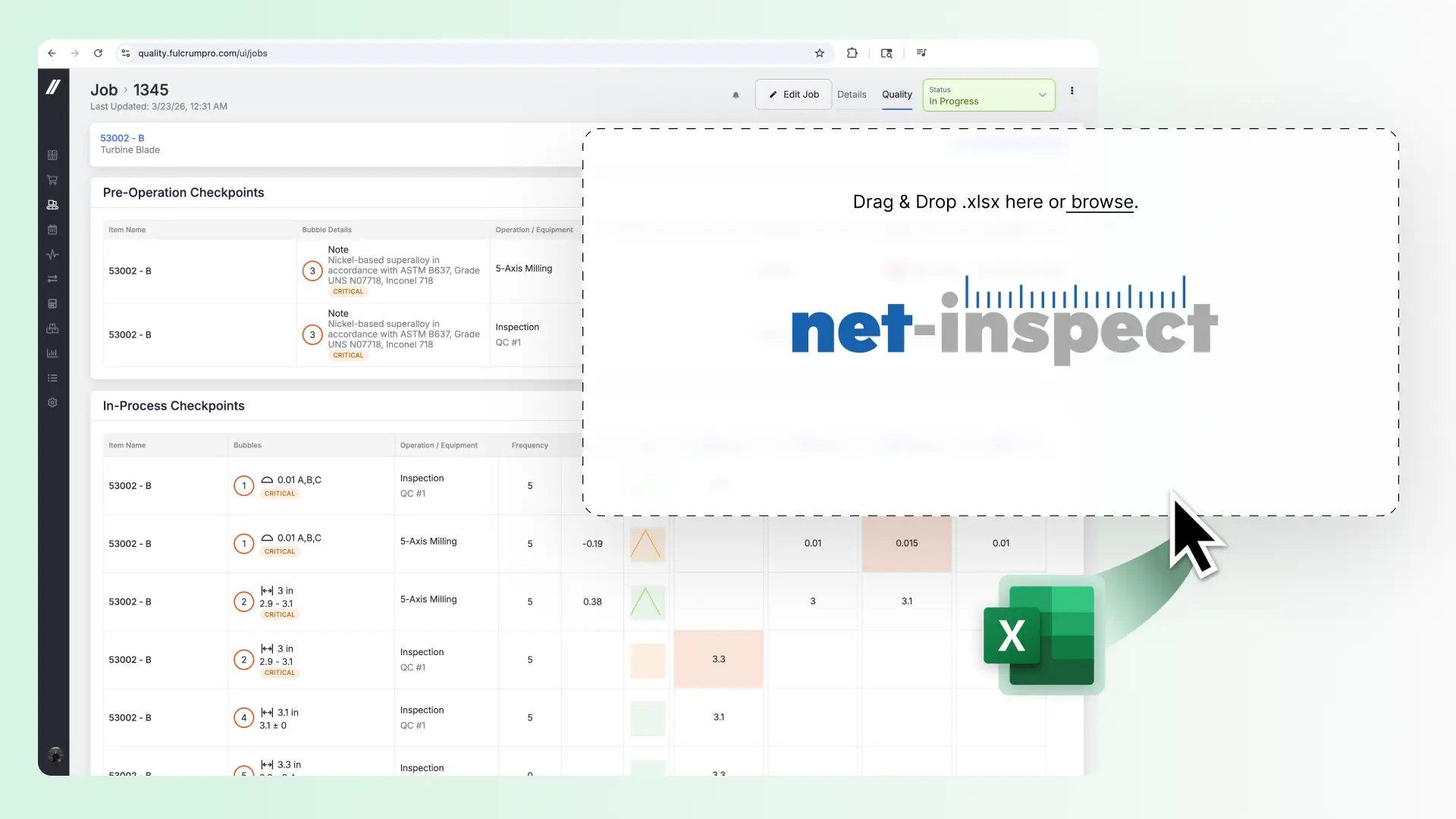
If you submit FAIRs through Net-Inspect, you no longer need a separate tool to get them there. Fulcrum Control now exports your completed FAIR package in the format Net-Inspect expects, ready for sharing.
WHY IT MATTERS
Shops serving aerospace and defense OEMs often build their inspection plan and collect data in one system, then rebuild or reformat the FAIR in another just to get it into Net-Inspect. Every re-keyed field is a chance for typos, and if the submission gets rejected, the rework cycle starts over.
With this release, the FAIR you build in Fulcrum Control — populated from your job record, material certs, and inspection results — exports directly to the Net-Inspect format. No intermediate spreadsheet. No reformatting. The data that’s already in Fulcrum is the data that gets submitted.
HOW IT WORKS
1. Build your quality plan in Fulcrum Control (manually or with AI Auto-Bubbling).
2. Inspection results populate from your quality checkpoints, whether entered directly or imported from your CMM.
3. Open the FAIR generator on the job. Forms 1, 2, and 3 auto-populate from the job record: part number, PO, revision, material and supplier certs, and all inspection results tied to the checkpoints you flagged for the FAIR.
4. Review, edit if needed, and add signatures.
5. Export to Net-Inspect-ready .xlsx. The FAIR package uploads in the format Net-Inspect requires, ready for customer review.
GET STARTED
Net-Inspect export is live now for all Control users. No setup required. The export option appears on any job with a completed FAIR.
If you’re an existing Fulcrum user interested in Control, let us know here and your Account Manager or Account Executive will reach out to you.
New to Fulcrum? Talk to Sales about how forward-thinking technology can improve your shop.
Get all the details about Control here.


