
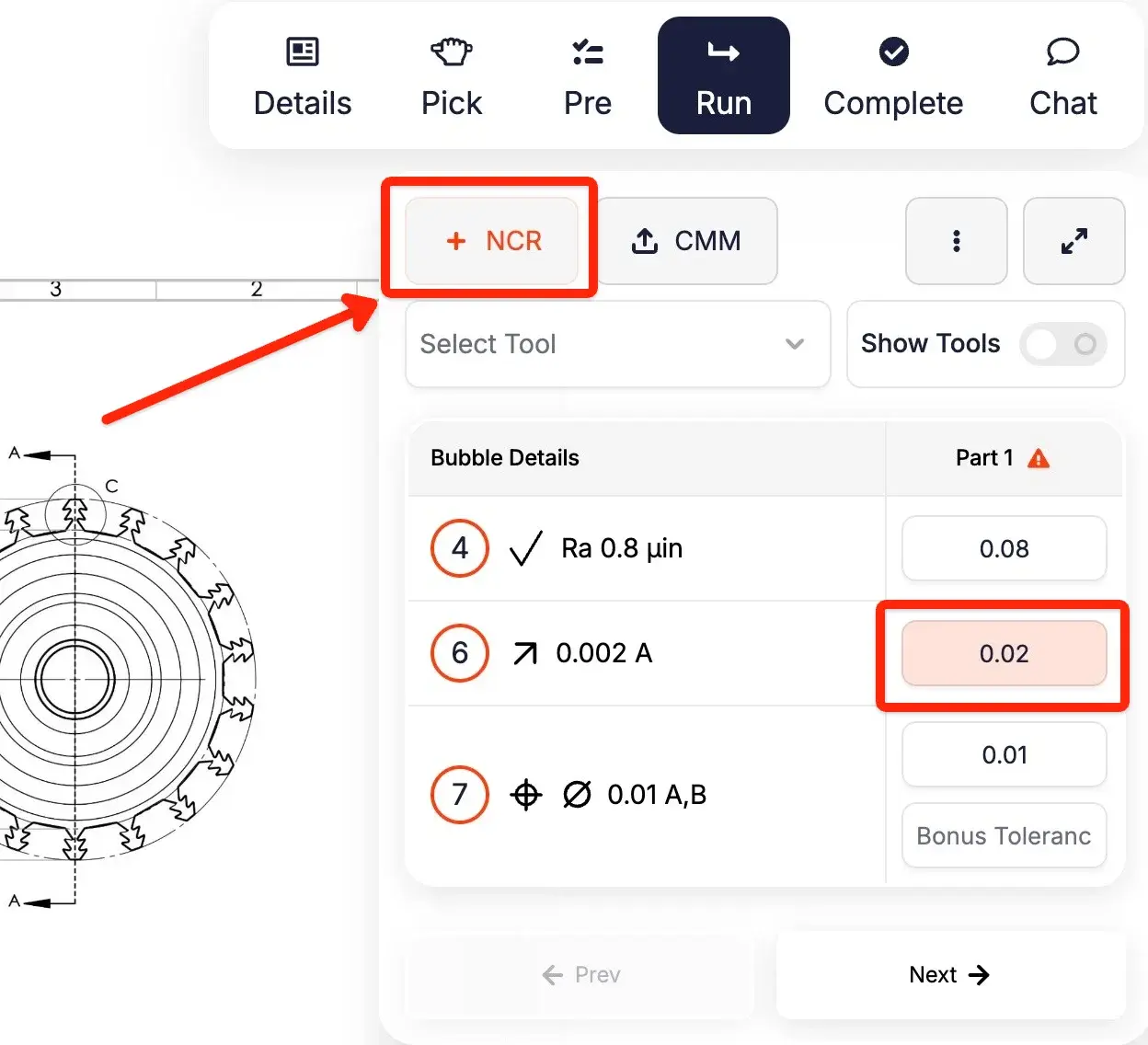
When a machine produces a non-conformant part, you stop the run, record the non-conformance, and address it before more parts go out of tolerance. You've always been able to create an NCR from the details tab — but that pulled the operator out of their inspection flow, and they had to remember to do it. Now there's an NCR button right inside the In Process Tracking checkpoints panel, and it turns red when there's a non-conformant entry. The operator gets a clear visual cue on the page they're already working in.


