
April 7, 2026

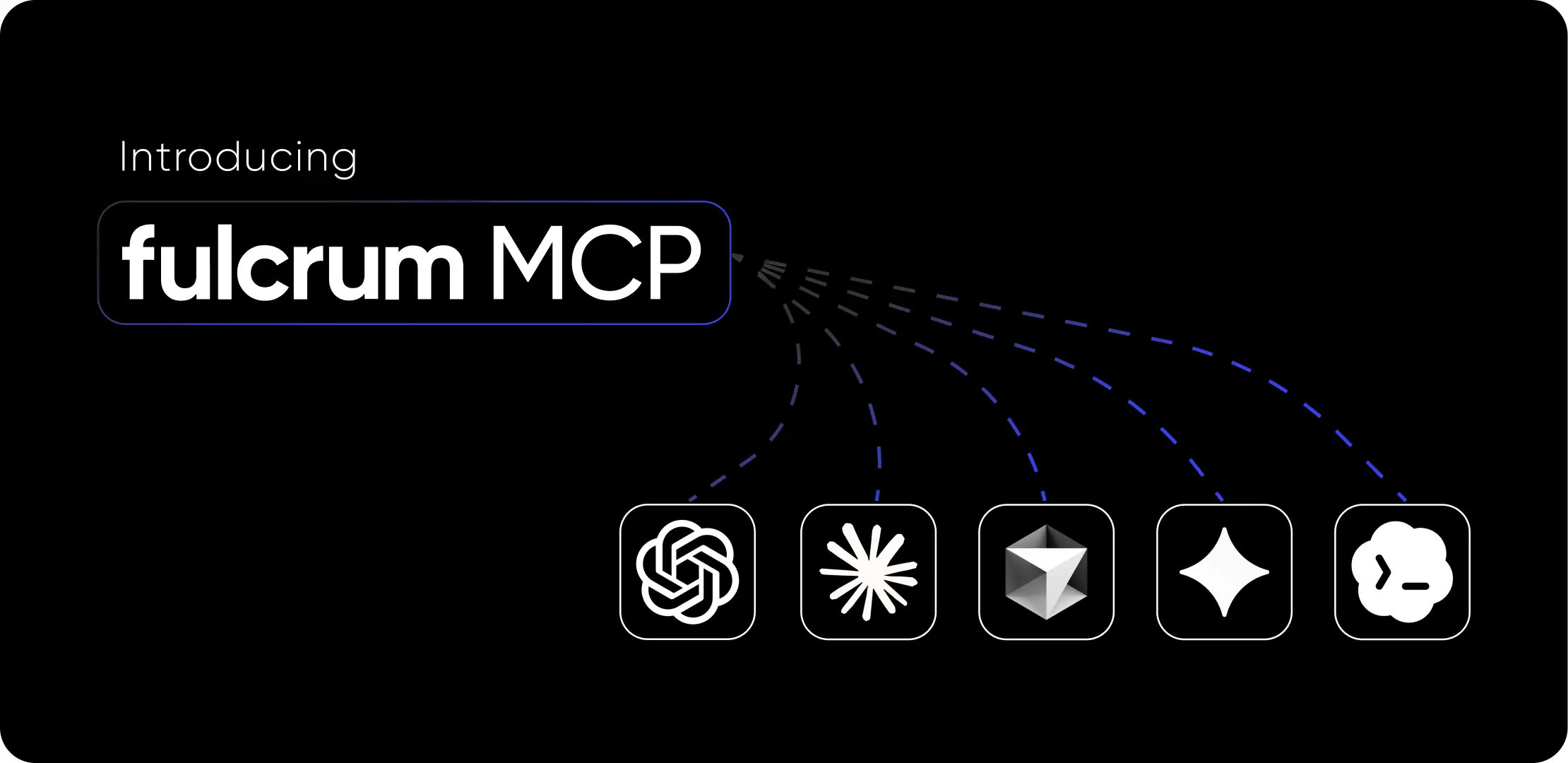
Fulcrum now has a Model Context Protocol (MCP) server, a standard interface that lets MCP-compatible AI tools like Claude, ChatGPT, Cursor, or Claude Code connect directly to your Fulcrum data. If you're using any AI tool that supports it, you can connect it to your Fulcrum site and start querying your data and taking actions through natural language.
Because MCP is an open standard, you're not limited to Fulcrum data alone. You can connect Fulcrum alongside other tools — through their own MCP servers or APIs — and work across all of them in a single AI conversation.
The MCP server gives AI tools access across your entire operation: jobs, sales orders, quotes, purchase orders, invoices, customers, vendors, items and inventory, work orders, equipment, NCRs, and operational dashboards (schedule health, capacity, shipping, receiving, demand planning, and invoice aging).
You can search, filter, and drill into details: cost breakdowns, fulfillment progress, activity history, equipment backlogs, at-risk jobs, and more. See the full list in the MCP Server documentation.
Beyond read access, the MCP server supports write actions:
Change job status, update job priority, update job due dates, advance sales order statuses, approve and advance purchase orders, move invoices and quotes through their workflows, update work order statuses, activate or deactivate customers, and run the production scheduler.
All actions respect each user's existing Fulcrum permissions.
The MCP Tools list is actively evolving. To see exactly what's available right now, ask your AI assistant:
"What Fulcrum tools do you have access to?"
Archie is the AI agent built into Fulcrum. You ask Archie what your top problems are, and it tells you. No reports to pull, no screens to click through. On the shop floor, people ask Archie how to do things they don't do every day, and it walks them through it or just does it for them.
The MCP server is the next step. It lets you bring Fulcrum data into external AI tools and connect it alongside your other systems. Archie is for quick in-app questions and everyday work. MCP is for cross-tool workflows, for when you need Fulcrum plus QuickBooks plus Slack plus Google Drive all in one conversation.
They're complementary. Archie is for everyone on the team. MCP is for power users who want to connect everything and have more control over their own data sets.
The MCP server is available to all Fulcrum customers, including shops with ITAR-compliant Fulcrum sites. However, many commercially available AI tools are not ITAR-compliant and you may need to take additional steps in order to ensure compliance.
That said, Archie, the AI assistant built into Fulcrum, has access to the same MCP server (and has other capabilities) and is available on ITAR sites.
Up until now, AI tools could help you write emails, summarize documents, and answer general questions. What they couldn't do as easily was answer questions about your shop (your jobs, your customers, your costs).
The MCP server changes that. It's the bridge between the AI tools that are changing how people work and the manufacturing data that actually runs your business. Instead of clicking through screens to find an answer, you ask a question and get it, backed by the full context of your operation.
And because it's built on an open standard, your Fulcrum data isn't siloed. It becomes one piece of a connected AI workflow that spans your accounting, communication, file storage, and shipping tools. That's the real unlock: not just AI that can read your shop data, but AI that can work across everything your business runs on.
The result is the same thing every Fulcrum customer is after: produce more parts without more humans or more machines. Shorter lead times, lower scrap, better margins. The MCP server is another piece of how you get there.


